1-on-1 online English lessons
Learn English by Playing Minecraft
MineLingo turns private Minecraft sessions into real English practice — building, questing, and chatting with a dedicated tutor. Kids and teens speak more because they're having fun, not sitting through a textbook.
No obligation. Meet your tutor and try a lesson before you commit to anything.
\Let's build it together!/

What Is MineLingo?
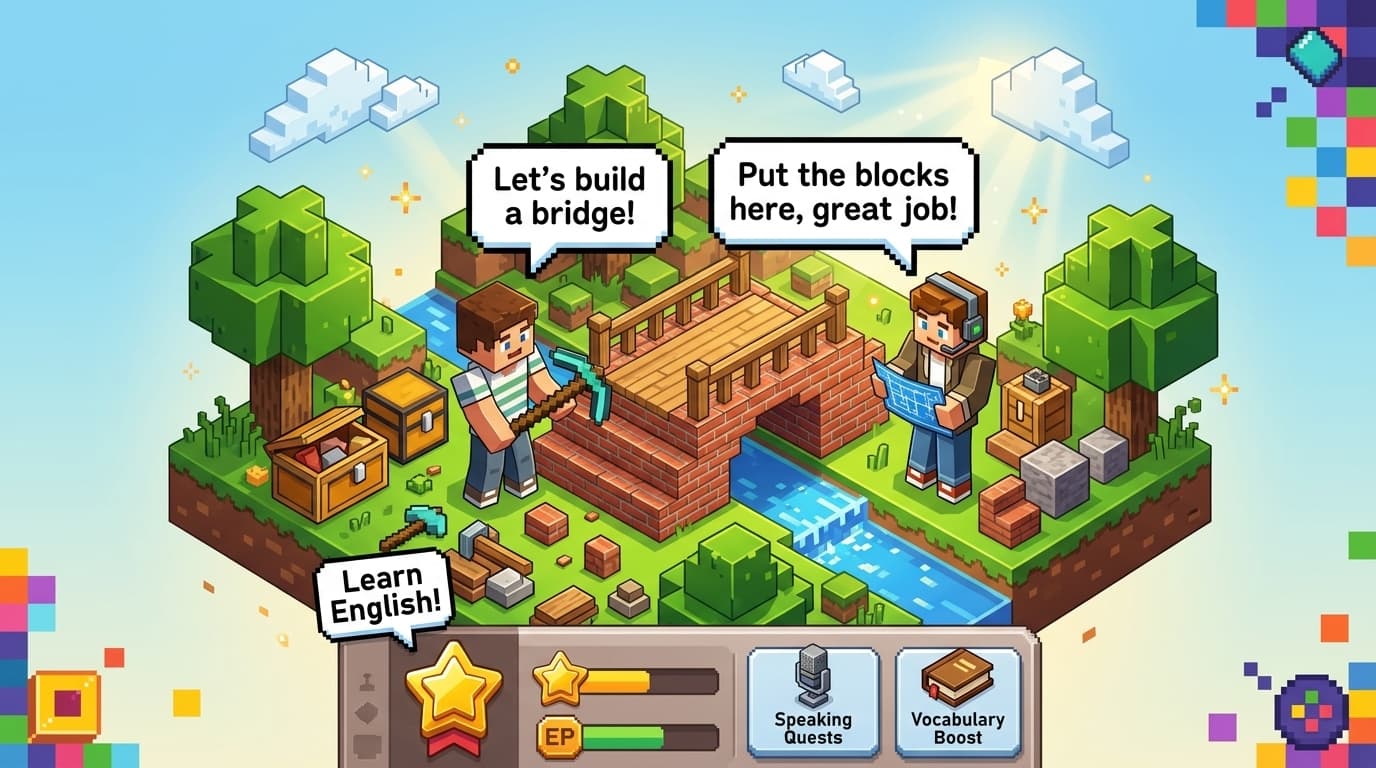
MineLingo is a 1-on-1 online English school that teaches inside Minecraft. Each student is paired with one qualified teacher, and every lesson happens in a private world built just for them — building, exploring, and solving problems together, all in English.
* New to Minecraft? New to English? Both are welcome.
Does This Sound Familiar?
Good news — that's exactly where we teach.
When English is how the build gets finished, kids stop worrying about getting it wrong and start talking.
What Makes MineLingo Different
1-on-1, Every Lesson
No group classes and no waiting for a turn. For the whole lesson, your child is the only student — so they do most of the talking.
The Same Teacher, Lesson After Lesson
Students are matched with one qualified teacher who knows their level, their interests, and what they built last time — so every lesson picks up where the last one left off. Parents get simple progress notes after each session.
A Private World, No Strangers
Lessons run on our own private Minecraft server, in a world just for your child and their teacher. No public servers, no other players.
Works on the Device You Have
Java or Bedrock, on PC, Mac, tablet, phone, or console. If your child can run Minecraft, they can take lessons.
Why It Works
Kids Pick Up English the Same Way They Pick Up Their First Language
Not by memorizing rules, but by hearing language attached to real actions and real feelings — over and over, in context. MineLingo lessons are built around that.
Hear English Tied to What's Happening
Your tutor narrates the world in real time — what's being built, what's around the corner, what just happened — so new words arrive attached to something visible, not a flashcard.
Act, Then Say It Yourself
Students don't just listen — they build, dig, and explore, and are guided to describe their own actions in English as they do them.
Use English Because It Matters Right Now
Asking for help mid-build, negotiating who gets which tool, reacting when a plan goes wrong — real stakes make the language stick far better than repeat-after-me drills.
Start Free, Then Pick a Package
Free trial lesson
Based on the 20-lesson package. Bigger packages currently include bonus lessons for new students.
See all prices →Q&A
QMy child has never played Minecraft. Is that a problem?+
Not at all. The first lesson includes a gentle walkthrough of the controls — most kids are comfortable within minutes. Lessons are built around English, not gaming skill, so a Minecraft beginner is never behind.
QHow do I know my child is safe online?+
Lessons take place on a private Minecraft server, in a world just for your child and their tutor — no public servers, no other players.
QWill my child have the same teacher every lesson?+
Yes — students are matched with one teacher for consistency, so lessons build on each other instead of starting from scratch every time.
QWhat devices can my child use?+
Whatever you already have works: Bedrock Edition runs on iPads and other tablets, phones, Windows PCs, and consoles like Xbox, PlayStation, and Switch. Java Edition runs on Windows and Mac. If your child can run Minecraft on it, they can take lessons on it.
Try a Lesson First — It's Free
Meet your teacher, check the setup, and see how much your child talks. No obligation.
See How It Works